HOW TO DOWNLOAD YOUR
PHOTO GALLERY WITH PIXIESET
HELLO DEAR CLIENTS,
I use Pixieset, an easy photo-sharing app, to share all your pictures. Follow the steps below to get your photos. Remember your gallery password (in your gallery email) and PIN (if in the gallery email).
FIRST THINGS FIRST: DOWNLOAD THE IMAGES
The first thing I recommend doing is downloading all the web resolution files and storing them in a folder on your hard drive, and have that folder back up to the cloud. This way, if your computer crashes and you lose your hard drive, you still have access to your imagery since they’re stored off site.
ALL ABOUT IMAGES: SIZE OPTIONS
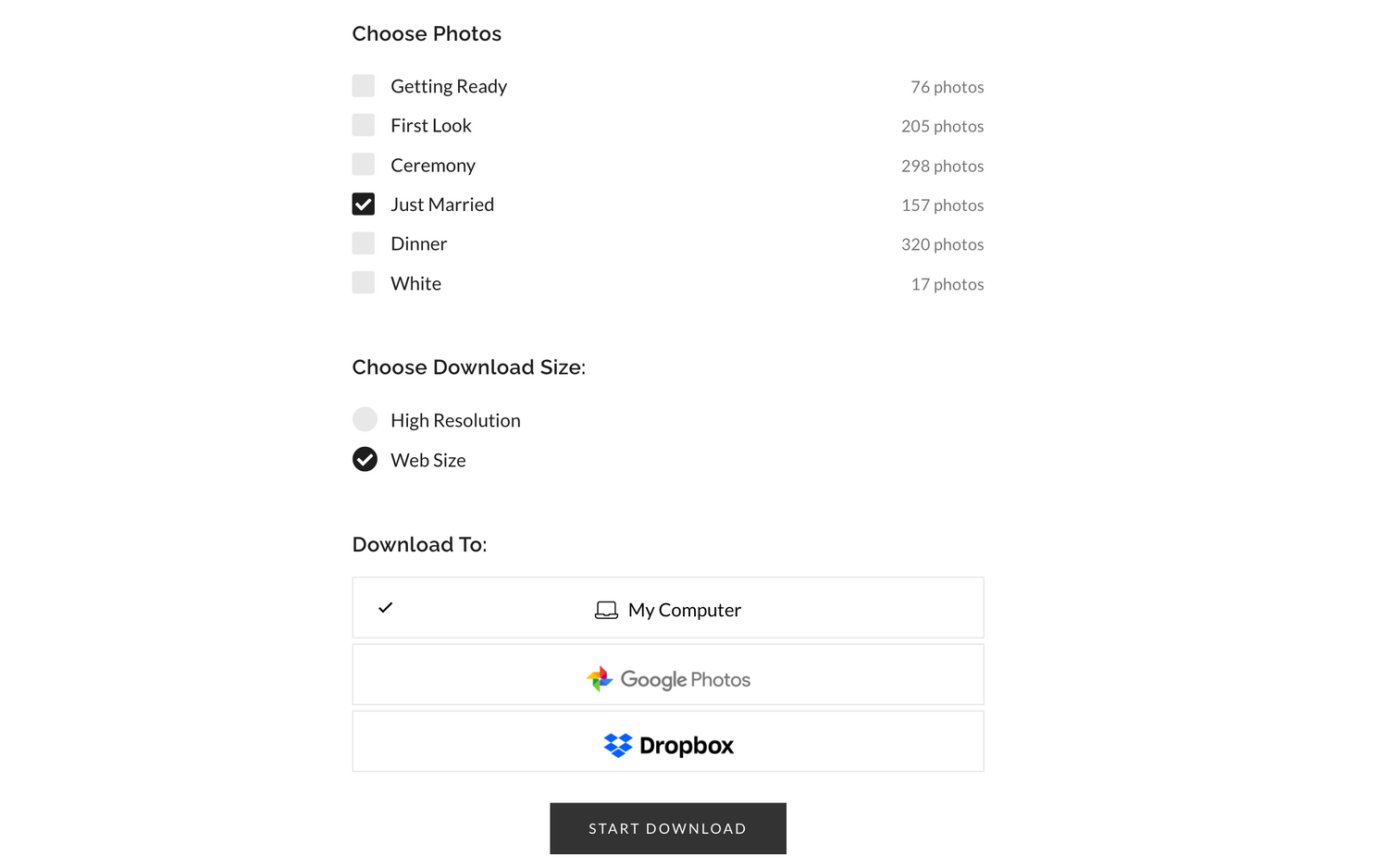
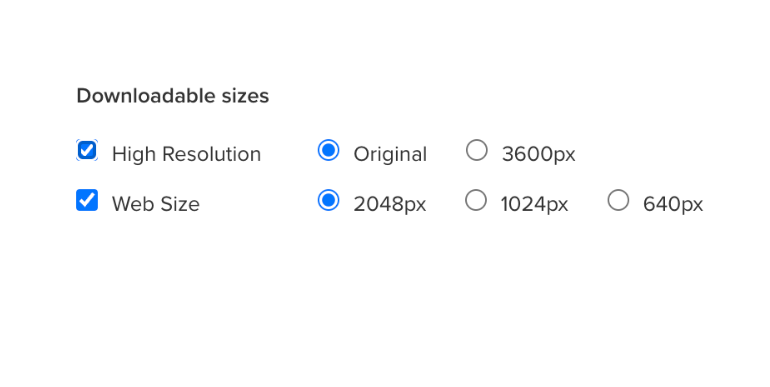
The image to the right, is Pixieset’s Downloadable sizes image settings. I offer my clients two size options when downloading their images:
High Resolution: Original (which I export from my post processing software at 5000px long edge)
Web Size: 2048px. This is the optimal web size for retina display screens. Anything lower than this might look pixelated and blurry.
SAVE YOUR PHOTOS
Somewhere safe after downloading (like iCloud, computer, USB). Galleries stay active for 60 days. There's a fee after 60 days to re-list your gallery.
DON'T SCREENSHOT YOUR PICTURES TO SAVE THEM.
It makes the quality HORRIBLE. And I will ask you to remove them as this is against my contract.
PRINTING INFO
When you order prints and products from your Print Store, professional labs will print your images using high-quality materials and colour calibration to ensure true-to-colour printing. Using inexpensive, rapid print labs like Walmart, Shoppers and Costco etc. will result in lower quality images due to the lack of calibration in their print machines. I will not be held responsible for substandard prints and products ordered from these kinds of companies.
.
HOW TO DOWNLOAD YOUR IMAGES ON A DESKTOP/LAPTOP
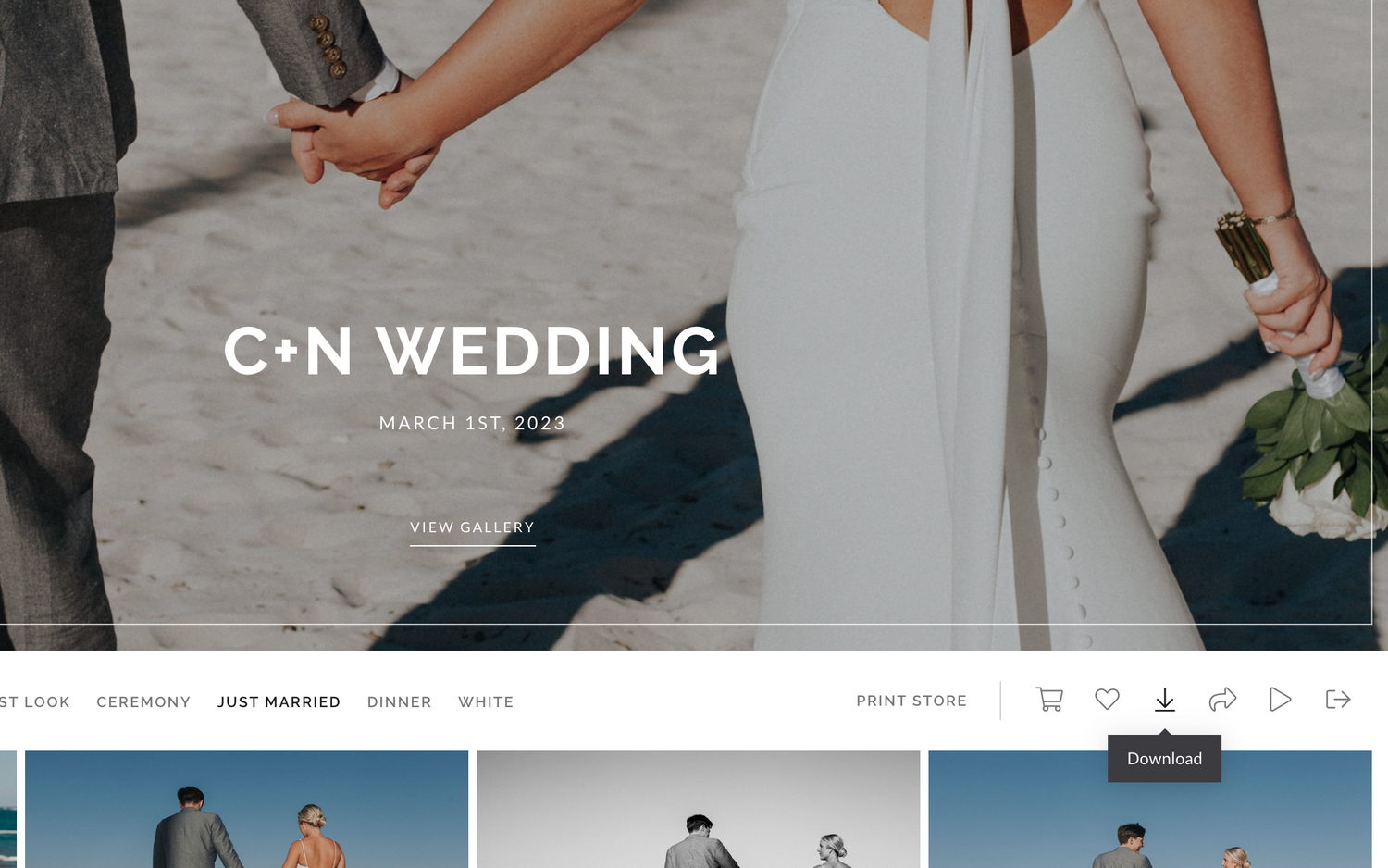
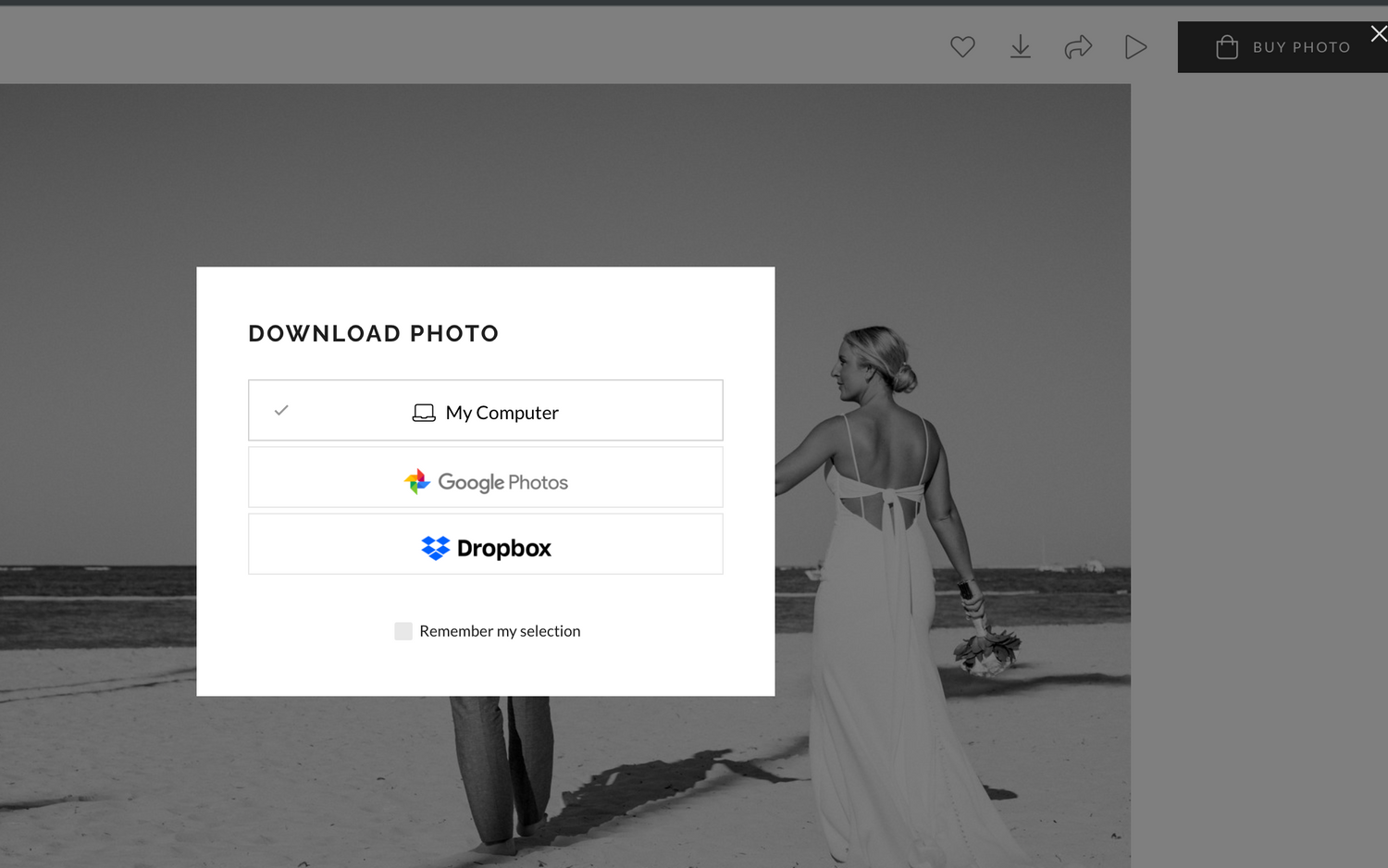
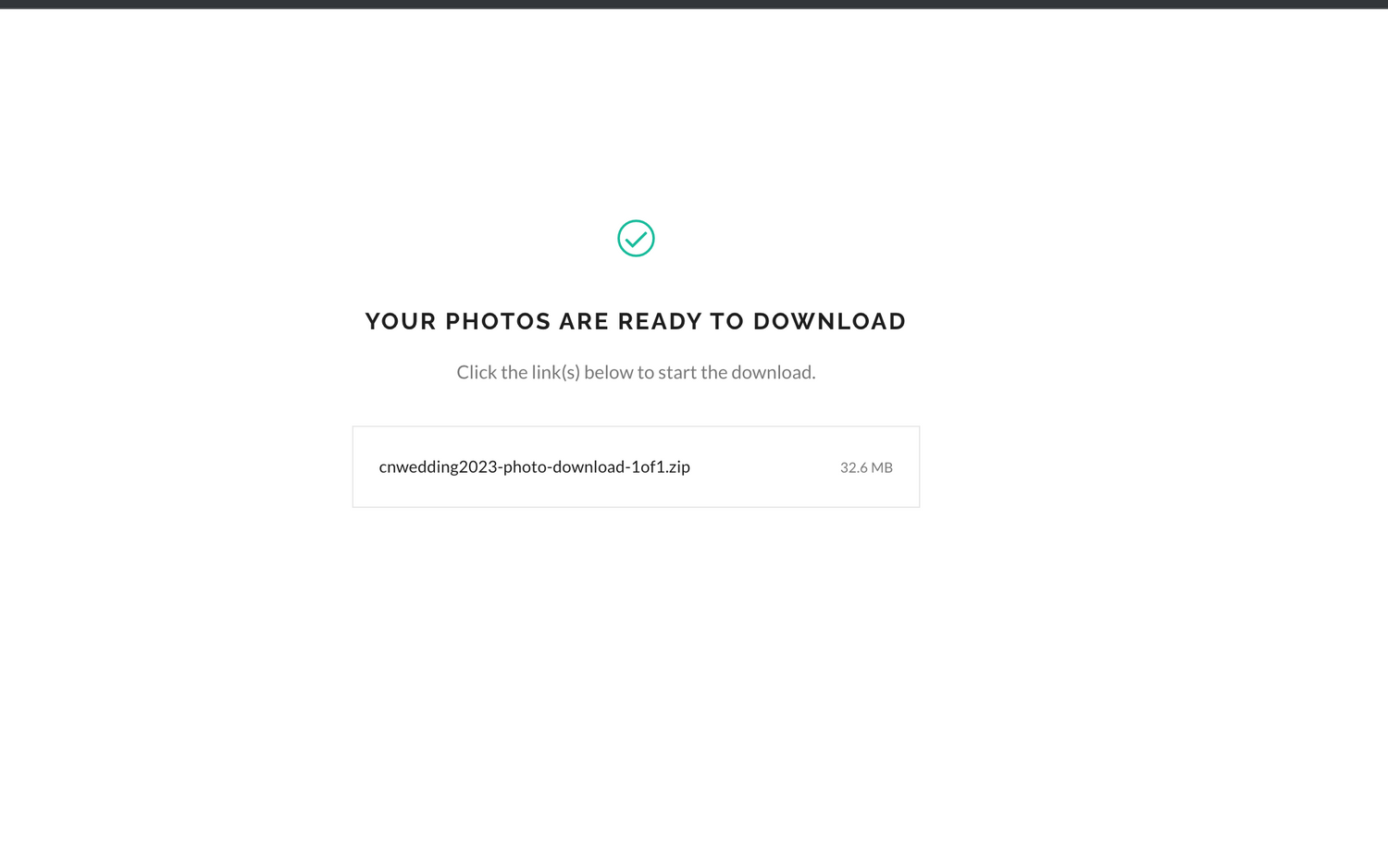
If you want to download the entire collection, you simply click on the Download icon shown at the top right of the Gallery view. You may be prompted to enter your email address and download PIN. Download PIN is provided to you in your gallery email, if applicable. Images will be sent to you via email in a .zip file. Clicking on the emailed file should unzip the file automatically and allow you to access your images.
See example below...